
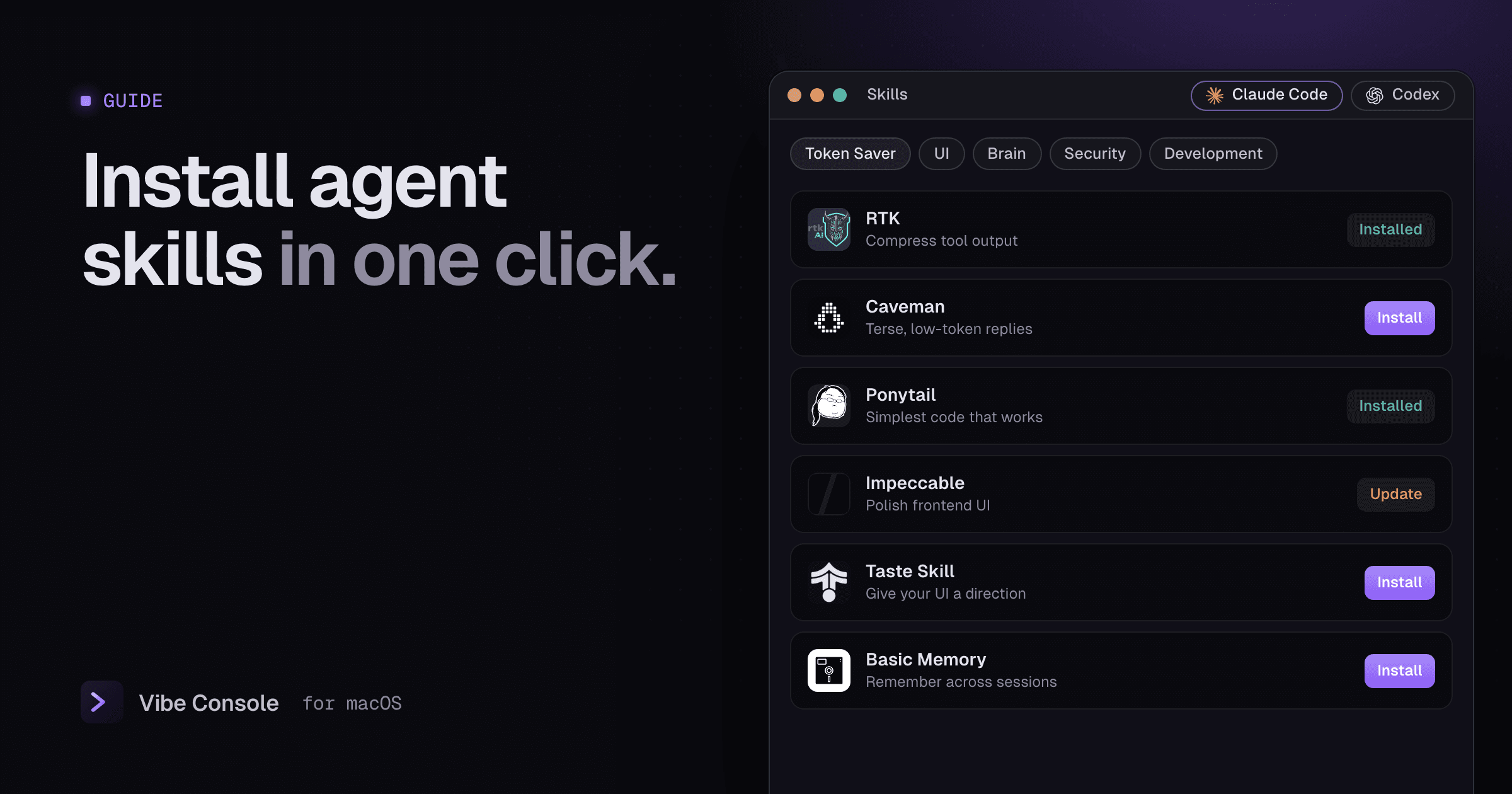
Skills are the easiest way to teach a coding agent something it does not do well by default: a design standard, a review checklist, a way to save tokens. This guide explains where skills live for Claude Code and Codex, how to install them by hand and how to manage them without the command line.
What is a skill?
A skill is a folder with a SKILL.md file: instructions in Markdown with a short name and description at the top, plus any scripts or reference files it needs. The agent reads the descriptions of your installed skills and loads a skill's full instructions only when a task calls for it, so installed skills cost very little context until they are used.
my-skill/
├── SKILL.md
└── scripts/
    └── check.sh
Where Claude Code and Codex look for skills
| Agent | Personal skills (all projects) | Project skills |
|---|---|---|
| Claude Code | ~/.claude/skills/<name>/ |
.claude/skills/<name>/ in the repo |
| Codex | ~/.codex/skills/<name>/ or ~/.agents/skills/<name>/ |
per the Codex docs |
If you set CLAUDE_CONFIG_DIR or CODEX_HOME, the personal folders move with them.
Installing a skill by hand
- Find the skill's repository and the folder that contains its
SKILL.md. - Copy that folder into your skills directory:
git clone https://github.com/owner/repo /tmp/repo
cp -R /tmp/repo/skills/my-skill ~/.claude/skills/- Start a new agent session so it picks up the skill.
Updating means repeating the copy, and there is no undo if the new version misbehaves, so keep a backup of the old folder.
Only install skills you trust. A skill can include scripts that the agent may run with your permissions. Read SKILL.md and any scripts first.
Installing skills in one click with Vibe Console
Vibe Console has a Skills panel with a curated catalog for Claude Code and Codex:
- Token Saver: RTK, Headroom, Caveman and Ponytail, for shorter tool output, leaner context and simpler code.
- UI: Taste Skill, Impeccable, Scrollcraft, Design DNA and UI Skills, for frontend work with a clear visual direction.
- Brain: Obsidian Skills, QMD, Basic Memory, Obsidian Wiki, Graphiti and Cognee, for memory across sessions and working with notes.
- Security: ECC Security Review.
- Development: Peekaboo, Superpowers and TypeSafe.
Choose Claude Code or Codex, then press Install. The app places the skill in the right folder for that agent.
Your own skill repositories
Under My Skills, add any GitHub repository as owner/repo or a full https://github.com/owner/repo URL, and its skills appear next to the catalog.
Safe updates with rollback
Vibe Console checks installed skills for updates and marks them Update available, or Source differs — review changes when the files on disk no longer match the source. Updating keeps a backup of the previous files. If the new version causes trouble, press Roll back, or Open backup to inspect the old files.
Which skills to start with
- Hitting usage limits? Start with a token saver such as RTK or Caveman. Pair it with keeping an eye on your limits.
- Building UI? Impeccable or Taste Skill give the agent design standards instead of generic defaults.
- Losing context between sessions? Try a Brain skill such as Basic Memory.
Install one or two at a time and see how the agent changes before adding more.
FAQ
Do skills work in both Claude Code and Codex?
The SKILL.md format works in both, but each agent loads skills from its own folder. Install the skill for each agent you use.
Do installed skills slow the agent down?
Barely. Agents read only each skill's short description until a task needs it.
How do I remove a skill?
Delete its folder from the skills directory, then start a new session.
Try the Skills panel free for 14 days: download Vibe Console.