
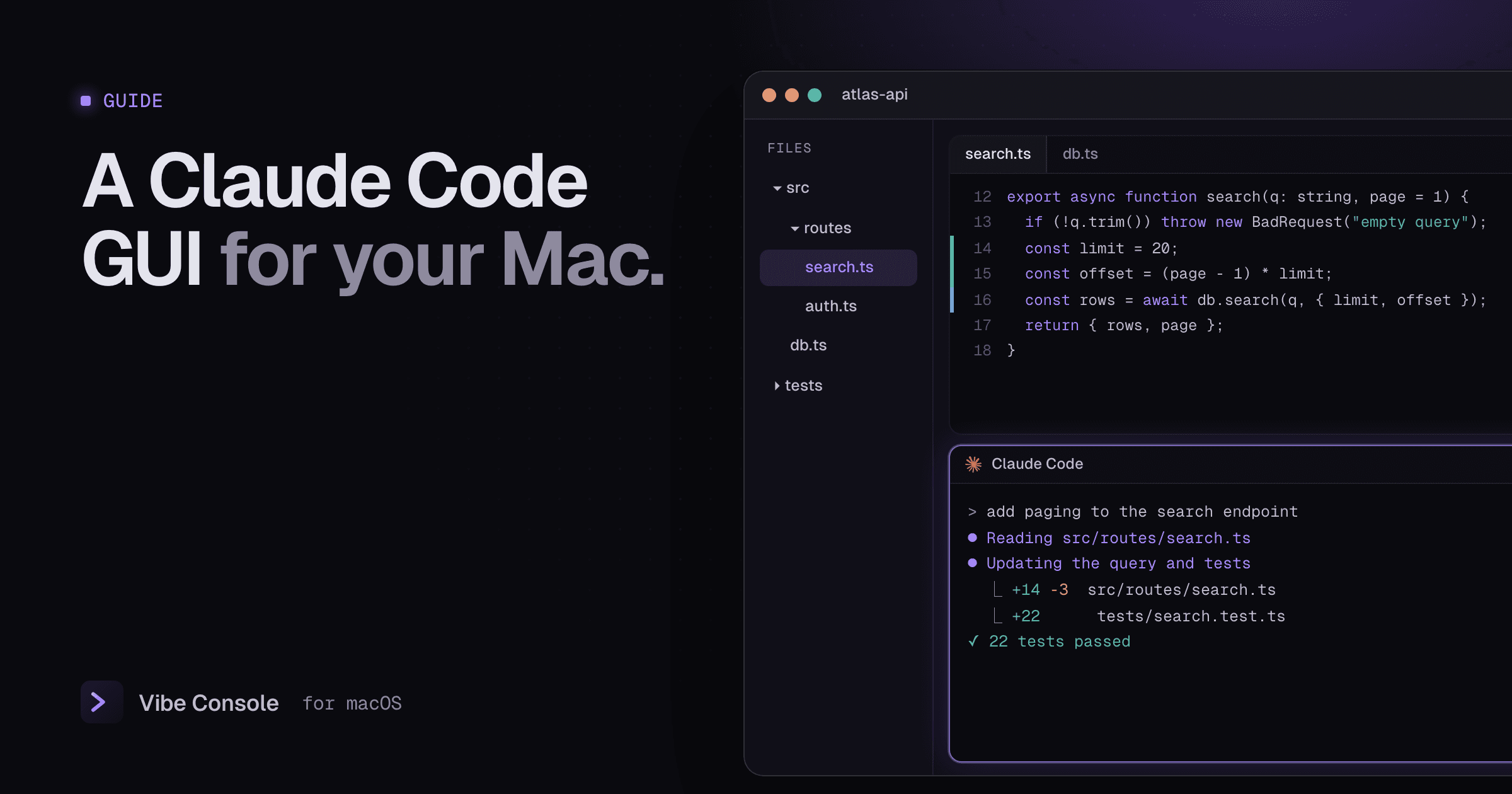
Claude Code started life as a command-line tool, and the terminal is still where it is most capable. But as sessions get longer and projects multiply, many developers want more around it: a way to see diffs without switching apps, run several sessions side by side and know when one needs attention.
This guide compares the main ways to get a graphical interface for Claude Code on a Mac in 2026, what each one is good at and how to choose.
Facts checked on September 24, 2026. Tools in this space change quickly; check each vendor's site for current details.
Three kinds of "Claude Code GUI"
"GUI" means different things depending on the tool, and the difference matters more than any single feature:
- A chat interface on the Claude Code engine. You talk to Claude in a window instead of a terminal. Anthropic's desktop app works this way.
- An editor integration. Claude Code runs inside VS Code or a JetBrains IDE, next to your code.
- A workspace around the CLI. The real
claudecommand runs in terminals, and the app adds project organization, an editor, git and status around it. Vibe Console, Conductor and Nimbalyst are variations of this idea.
Which one fits depends on whether you want to leave the terminal, stay in your IDE, or keep the CLI and remove the friction around it.
At a glance
| Tool | Type | Platforms | Price | Other agents |
|---|---|---|---|---|
| Claude desktop app (Code) | Chat GUI, same engine as the CLI | macOS, Windows, Linux (beta) | Included with Claude Pro and Max | No |
| VS Code extension | Editor integration | Wherever VS Code runs | Included with a paid Claude plan | No |
| JetBrains plugin (beta) | CLI in the IDE terminal | IntelliJ family | Included with a paid Claude plan | No |
| Vibe Console | Native workspace around the CLI | macOS | $29 one-time, 14-day trial | 7 more agent CLIs |
| Conductor | Parallel agent workspaces | macOS | Free locally; Pro $50/month | Codex, Cursor, OpenCode |
| Nimbalyst | Visual workspace | macOS, Windows, Linux, iOS | Free for individuals | Codex and more |
1. Claude desktop app (Code tab)
Anthropic's own desktop app includes Claude Code as a graphical interface running on the same engine as the CLI. It shares your CLAUDE.md files, MCP servers, skills and settings with the command-line version.
Strengths. Parallel sessions, each with its own history and project folder, and an option to isolate a session in its own git worktree. Diff review is built in, with file-by-file review and inline comments, and it can follow a pull request's CI status. It sends a notification when a session finishes and shows a usage ring for your plan. You can arrange chat, diff, terminal, browser and plan panes, and sessions can run locally, in the cloud, or over SSH.
Trade-offs. It only runs Claude. If you also use Codex, Gemini CLI or another agent, they live somewhere else. It is a different way of working from the CLI, built around the chat rather than the terminal.
Best for: Claude-only developers who want Anthropic's official, fully featured interface and are happy to leave the terminal.
2. VS Code extension
The official extension adds a graphical Claude Code panel to VS Code, with plan review and editing, auto-accepted edits, @-mentions with line ranges, conversation history and multiple conversations in tabs.
Best for: developers who live in VS Code and want Claude next to their code rather than in a separate app.
3. JetBrains plugin
The JetBrains plugin, still labeled beta, runs the claude CLI in the IDE's terminal and adds IDE diff viewing, selection context and diagnostics sharing. It is closer to an integration than a separate GUI.
Best for: IntelliJ, PyCharm, WebStorm and GoLand users who want Claude's edits to show up in familiar IDE diffs.
4. Vibe Console
Vibe Console takes the third approach: it keeps the real Claude Code CLI and builds a native macOS workspace around it. It is written in Swift with SwiftUI and AppKit, not a web view.
What it adds around the CLI:
- Projects and terminals. Up to 10 terminals per project, as tabs or a grid up to 3×3, so Claude Code, a reviewer agent, the dev server and tests are all visible. Start Claude with ⌘K.
- Status you can hear. Each tab shows whether its agent is running or idle. When Claude finishes, or stops to wait for you, the app plays a sound and opens the MacBook notch on that session. See Claude Code notifications on Mac.
- Usage limits at a glance. Claude Code and Codex quota rings in the notch and toolbar, with reset times, pace and alerts at 80% and 100%. See Claude Code usage limits.
- Editor and Source Control. A tabbed code editor with a git gutter, plus diffs, staging, commits, branches and worktrees.
- Skills and saved prompts. Install curated skills for Claude Code in one click, and paste prompts you reuse from a library. See installing Claude Code skills.
- Seven more agents. Codex, Grok Build, Gemini CLI, GitHub Copilot CLI, Cursor CLI, Qwen Code and Kimi Code run the same way, so you can use Codex and Claude Code side by side.
Trade-offs. It is macOS only and closed source. It does not replace the CLI's interface; if you want to stop using the terminal altogether, the desktop app is a better fit.
Best for: developers who like the Claude Code CLI, use more than one agent or project, and want one native window with everything around it. It is a one-time $29 purchase after a 14-day trial, with no subscription.
5. Conductor
Conductor is a Mac app for running Claude Code, Codex and Cursor agents in parallel, each in an isolated workspace, with diff review and merging built in. It is free for local use with your own subscriptions; the Pro plan at $50 per month adds cloud workspaces and collaboration.
Best for: developers whose main workflow is dispatching several agents onto separate branches and merging the results. See our Conductor alternatives guide for how it compares.
6. Nimbalyst
Nimbalyst, formerly Crystal, is an open-source (MIT) visual workspace for Claude Code, Codex and other agents, built on Electron. It organizes parallel sessions on a kanban board, isolates each in a worktree, and includes visual editors for Markdown, CSV, mockups and diagrams. It is free for individuals and runs on macOS, Windows and Linux.
Best for: people who plan work visually and want a free, cross-platform tool.
A note on Opcode (Claudia)
Opcode, formerly Claudia, was a popular open-source Claude Code GUI built on Tauri, with usage analytics, checkpoints and a CLAUDE.md editor. It has had no releases since August 2025, so we would not start a new workflow on it today.
How to choose
- You only use Claude and want to leave the terminal: the Claude desktop app.
- You live in an IDE: the VS Code extension or the JetBrains plugin.
- You like the CLI, use several agents or projects, and want a native Mac app without a subscription: Vibe Console.
- Your workflow is mostly parallel branches that get merged: Conductor, or Vibe Console with worktrees.
- You want free and cross-platform: Nimbalyst.
These are not exclusive. Plenty of developers use the desktop app for planning and a terminal workspace for execution.
FAQ
Is there an official Claude Code GUI?
Yes. Anthropic's Claude desktop app includes Claude Code as a graphical interface, and there are official VS Code and JetBrains integrations.
Does a GUI change what Claude Code can do?
Not the model or its tools. The desktop app runs on the same engine as the CLI, and workspace apps like Vibe Console run the CLI itself. The difference is in how you organize, review and monitor the work.
Do I need a separate subscription for a Claude Code GUI?
Claude Code itself needs a paid Claude plan or an API account. Anthropic's apps are included with it. Third-party tools may charge separately: Vibe Console is a one-time $29 license, and Conductor and Nimbalyst have free tiers.
Try Vibe Console free for 14 days: download it here.