
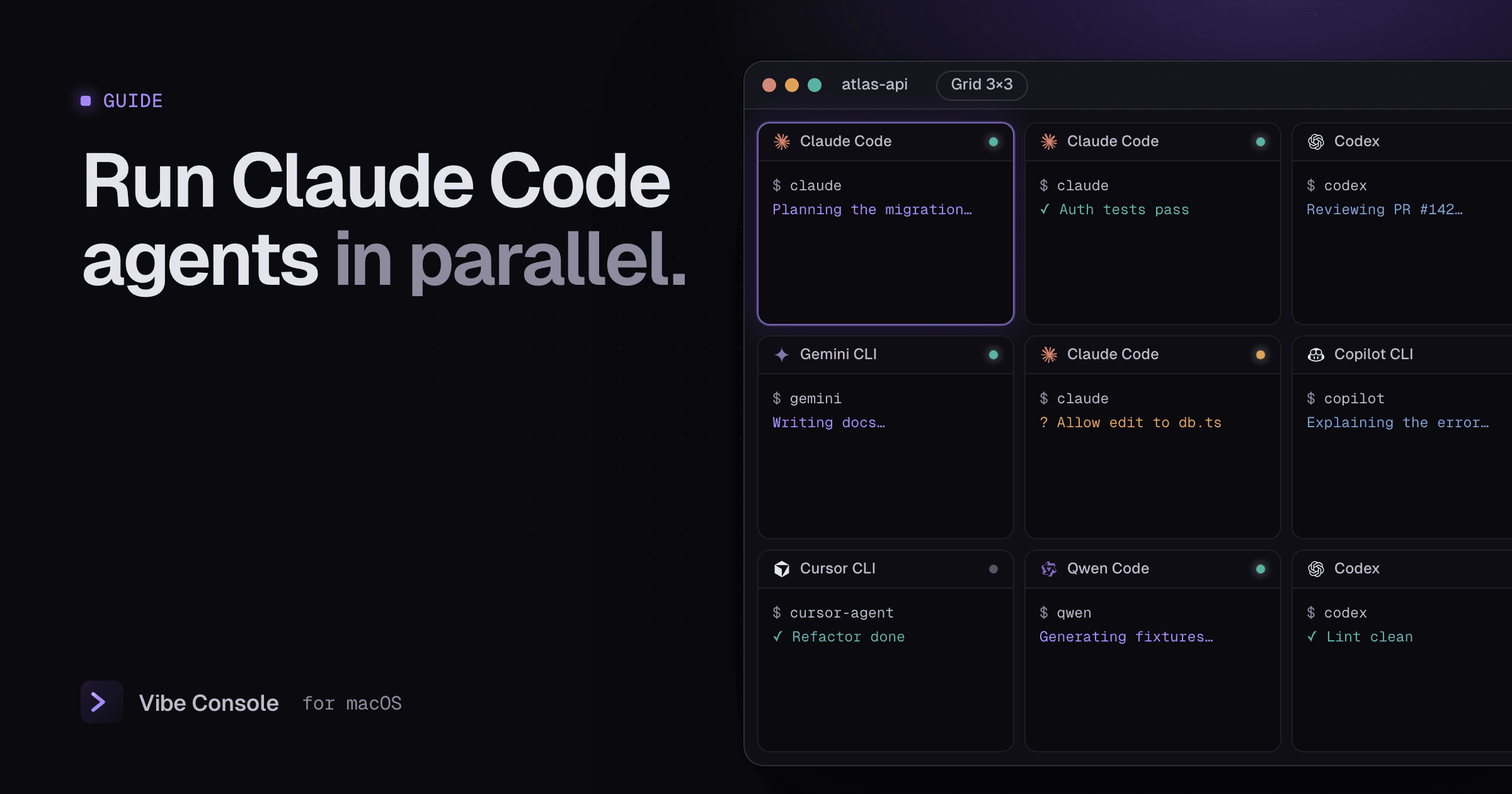
One agent is useful. Three agents working on separate tasks while you review the first one's diff is where terminal agents really pay off. It also goes wrong fast: two agents editing the same file, a dev server fighting over a port, or a usage limit hit halfway through the afternoon.
This guide covers a setup that avoids those problems. It works with Claude Code, Codex, Gemini CLI and any other agent CLI.
The short version
- Give every agent its own task and, for code-changing work, its own working copy (a git worktree).
- Keep all agents for a project visible in one grid, so you notice when one needs you.
- Use a second agent as a reviewer, not a second author, on the same code.
- Watch your usage limits, because parallel agents spend them in parallel.
Step 1: Split the work into independent tasks
Parallel agents work when their tasks do not touch the same files. Good splits:
- A feature in one area and a bug fix in another
- Implementing a change and writing tests for existing code
- One agent coding, another writing docs or a migration plan
- Research or code reading, which changes nothing
Bad splits are two agents on the same component, or one agent refactoring code that another is extending. If you cannot describe each task's files without overlap, run them one after another instead.
Step 2: Give each coding agent its own worktree
Two agents in the same folder share one working tree. When both edit, you get half-applied changes, surprise conflicts and diffs you cannot attribute. The fix is a git worktree per task: a second checkout of the same repository in its own folder, on its own branch.
git worktree add ../atlas-auth -b feat/auth
git worktree add ../atlas-search -b feat/search
Each agent then runs in its own folder, and you merge the branches when they are done. Claude Code can also do this in one step with claude --worktree feature-auth. Our git worktrees guide for Claude Code and Codex covers the details, including dependencies, .env files and cleanup.
Read-only agents (review, research, docs questions) can share the main folder.
Step 3: Put every agent on one screen
The usual failure with parallel agents is not the code, it is attention. An agent asks for permission in a background tab and waits for twenty minutes.
In Vibe Console, each project can have up to 10 terminals, shown as tabs or as a grid from 1×2 to 3×3. A layout that works well for three agents:
| Pane | Runs |
|---|---|
| 1 | Claude Code in ../atlas-auth |
| 2 | Codex in ../atlas-search |
| 3 | Claude Code in the main folder, reviewing |
| 4 | Dev server |
Each terminal can run a different agent: pick one next to the Start button and press ⌘K. To start an agent inside a worktree, cd into it first; you can drag a worktree from the Source Control panel onto a terminal to paste its path. Rename terminals (Rename…) after their task so the grid reads like a task list.
Each tab shows a dot for whether its agent is running or idle. When an agent finishes, or stops to wait for your input, the app plays a sound and opens the notch on that session, so you can look away. See Claude Code notifications on Mac for the details and a free alternative using hooks.
Step 4: Use a second agent as a reviewer
Different models catch different mistakes. A cheap, effective pattern:
- Claude Code implements a change in its worktree.
- When it finishes, start Codex (or another Claude Code session) in the same folder with a saved review prompt, for example: "Review the uncommitted diff for bugs, missing tests and security issues. Do not edit files; list findings with file and line."
- Paste the findings back to the first agent.
Save the review prompt once in Saved Prompts (⌘⇧S) and paste it with one click in any terminal.
Step 5: Watch your usage limits
Claude Code and Codex plans meter usage in windows, including a rolling 5-hour window and a weekly limit. Three agents spend it roughly three times as fast, and hitting a limit mid-task leaves work half done.
Vibe Console shows Claude Code and Codex quota rings in the notch and the terminal toolbar, with the reset time and your pace, and notifies you at 80% and 100%. Our Claude Code usage limits guide explains the windows and how to plan around them.
Step 6: Merge and clean up
When a task is done:
- Review the branch diff (Source Control, ⌘⇧G).
- Run the tests in that worktree.
- Merge the branch, then remove the worktree (Remove worktree in Source Control, or
git worktree remove ../atlas-auth).
How many agents is too many?
For most people, two or three coding agents plus one reviewer is the useful maximum. Beyond that, reviewing becomes the bottleneck, not the agents. Add more parallel agents only for independent, well-specified tasks with good tests.
FAQ
Can I run Claude Code and Codex on the same project at the same time?
Yes. Give each one its own worktree if both change code, or keep one in a read-only reviewer role.
Do parallel Claude Code sessions share context?
No. Each session has its own conversation. Share decisions through files the agents read, such as CLAUDE.md, AGENTS.md or project notes.
Does running agents in parallel cost more?
It uses your plan's limits faster, because each agent consumes usage independently. The total work is similar; it just happens in less time.
Ready to try it? Download Vibe Console free for 14 days.