
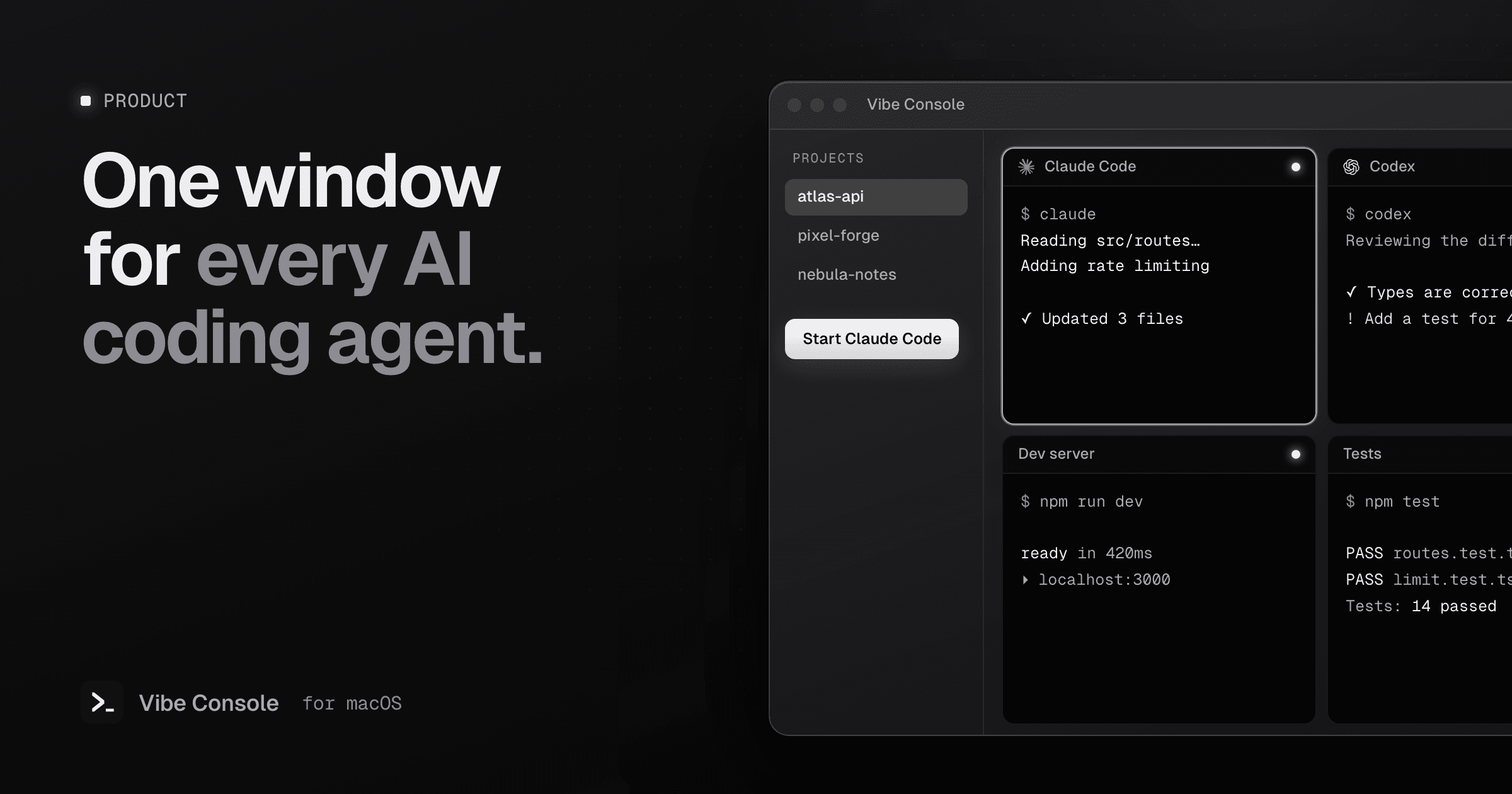
Vibe Console is a native macOS workspace for developers who code with AI agent CLIs such as Claude Code, Codex and Gemini CLI. Each project gets one window with its agents, extra terminals, files, a code editor and Source Control.
The problem it solves
Terminal agents are good at writing code, but they bring a lot of windows with them. A typical session has an agent in one terminal, a dev server in a second, a test watcher in a third and git in a fourth. Add a second project and you are hunting through a dozen windows that all say zsh.
Vibe Console groups that work by project. Switch projects and their terminals, file tree and git state switch with them.
What you get
- Terminals built for agents. Up to 10 terminals per project, shown as tabs or as a grid from 1×2 up to 3×3. Each terminal can run a different agent, and a dot on each tab shows whether that agent is running or idle.
- Twelve agent CLIs. Claude Code, Codex, Grok Build, Gemini CLI, GitHub Copilot CLI, Cursor CLI, Qwen Code, Kimi Code, OpenCode, Kiro CLI, Command Code and Devin CLI. Pick one next to the Start button and press ⌘K. If a CLI is missing, the app tells you how to install it.
- Know when an agent is done. When an agent finishes or stops to wait for you, Vibe Console plays a sound and briefly opens the notch on that session. See how agent notifications work.
- Usage limits in the notch. Claude Code and Codex quota rings show how much of the current window you have used, and when it resets. More in Claude Code usage limits.
- Source Control. Working and staged changes, diffs, commits, fetch, pull and push, branches, stashes and git worktrees.
- Code editor. Tabs, syntax highlighting, folding, bracket matching and a git gutter. Images, PDFs and video open in a preview.
- Skills. Add your own GitHub skill repositories, choose a section and decide what to install for Claude Code or Codex. See installing agent skills.
- Saved prompts. Keep prompts you reuse, globally or per project, and paste them into the active terminal with one click.
Why we built it
We used Claude Code every day and kept hitting the same friction: too many terminal windows, lost context between sessions and the same prompts typed again and again. Vibe Console started as a personal tool to fix that and grew into the app we now use for all of our own work, including building Vibe Console itself.
Native, not a browser in a box
Since version 1.16, Vibe Console is written in Swift with SwiftUI and AppKit, and uses SwiftTerm for its terminals. It is a universal app for Apple Silicon and Intel, signed and notarized by Apple, and available in 14 languages.
It does not bundle or proxy any AI model. It starts the agent CLIs you already have installed and signed in to, in your project folder, exactly as you would in Terminal.
Pricing and availability
Vibe Console runs on macOS 15 or later. Every download starts with a 14-day free trial with all features, which never turns into a subscription on its own. After that, a subscription ($4.99 a month or $39.99 a year) keeps it on up to 3 Macs.
Download the free trial or read Getting Started with Vibe Console.